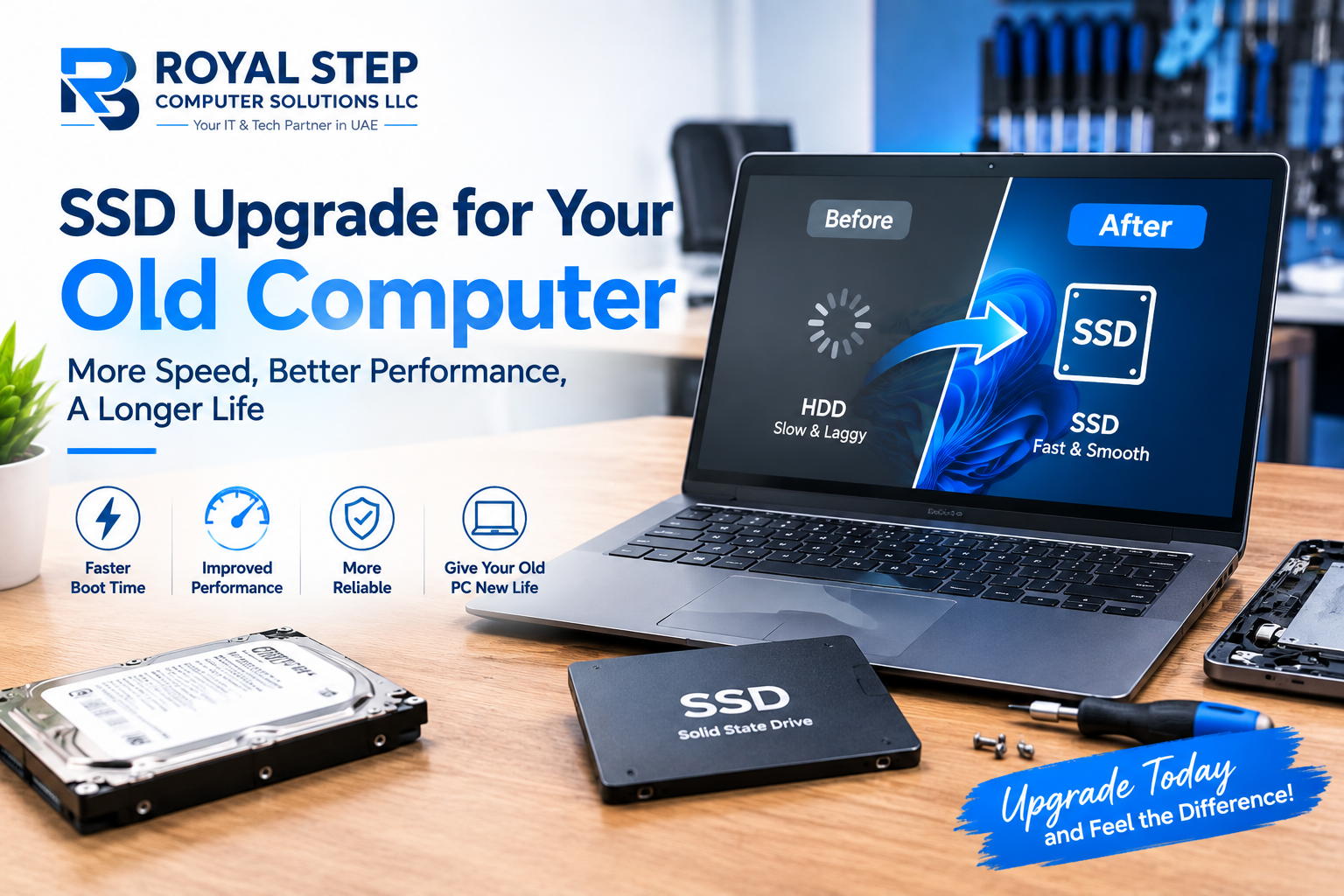
The most satisfying job in our workshop is not an exotic board repair. It is handing back a seven-year-old laptop that now boots in twelve seconds. The transformation almost always comes from one part: the storage drive.
Why old computers feel slow (hint: it is rarely the CPU)
Mechanical hard drives read data at 80–160 MB/s and stall badly on the thousands of small reads a Windows startup demands. A basic SATA SSD does 550 MB/s; an NVMe drive does 3,000–7,000 MB/s. Your processor spends most of its "slow" time simply waiting for the disk.
What actually changes
- Boot time: from 2–4 minutes to 10–20 seconds.
- Programs: Office, Chrome and Photoshop open near-instantly.
- The little things: file searches, updates and copying stop being coffee breaks.
- Noise and heat: SSDs are silent with no moving parts — and more drop-resistant in laptops.
Who benefits most
Any computer from roughly 2012 onward with a mechanical drive is a prime candidate. Office desktops, student laptops and family PCs see the biggest day-to-day difference. We clone your existing Windows, files and programs to the new drive — you lose nothing and reinstall nothing.
Pair it right
If your machine runs 4GB of RAM, pairing the SSD with an 8GB upgrade removes the second bottleneck for very little extra. Beyond that, most everyday users need nothing more for years.
The honest caveat
An SSD will not fix a failing motherboard, a cracked screen or heavy gaming ambitions on integrated graphics. That is why we check the machine first, free — and only recommend the upgrade when it will genuinely deliver.